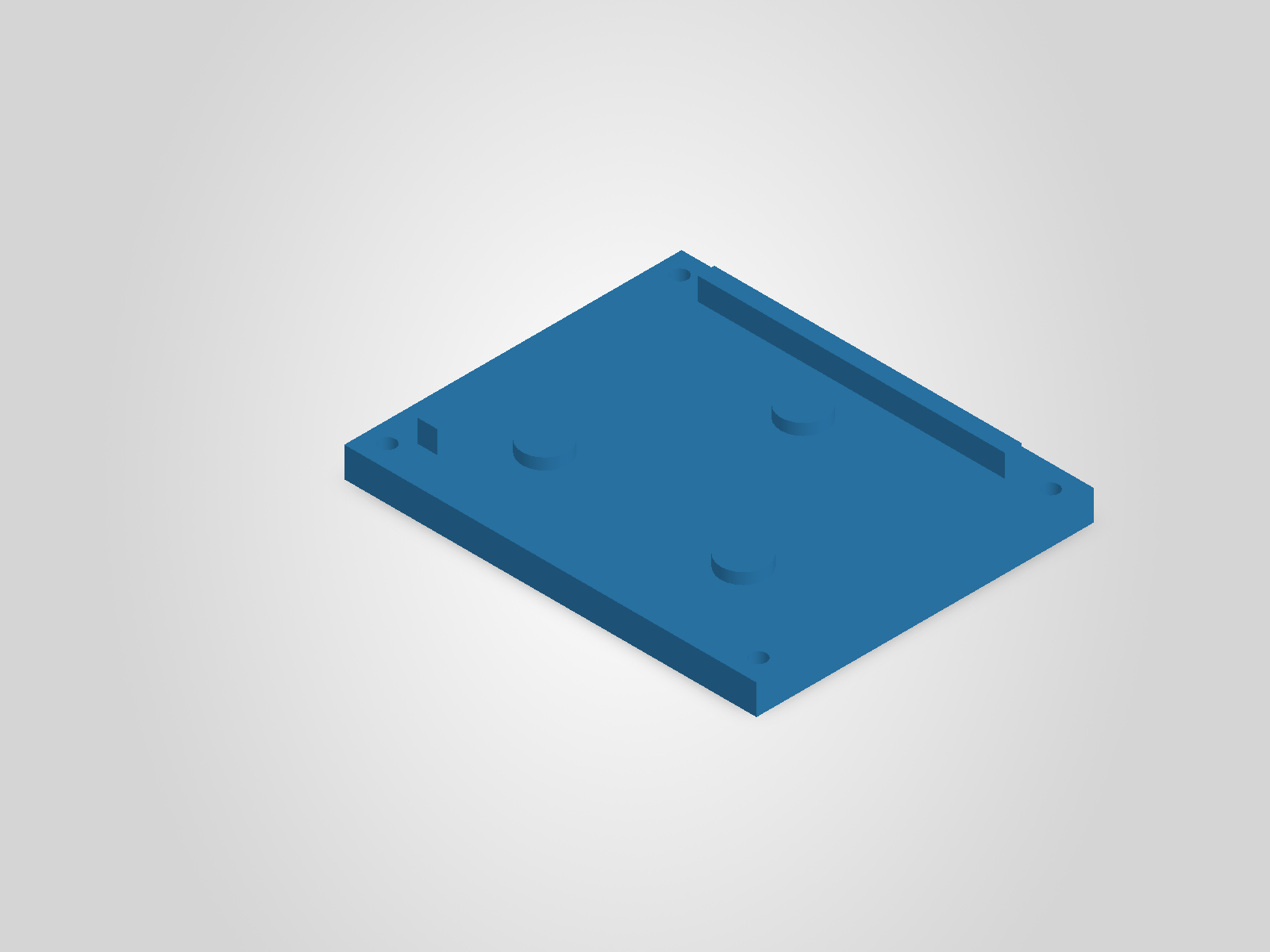
Parametric parts
Create parts from dimensions and revise features in the same SOLIDWORKS file.
AI CAD for SOLIDWORKS
Describe a part or assembly, approve the plan, and build it in SOLIDWORKS with editable sketches, dimensions, and features.
Example prompts
Hey Gage, can we…
From the first model to the drawings and analysis that go with it.
Create parts from dimensions and revise features in the same SOLIDWORKS file.
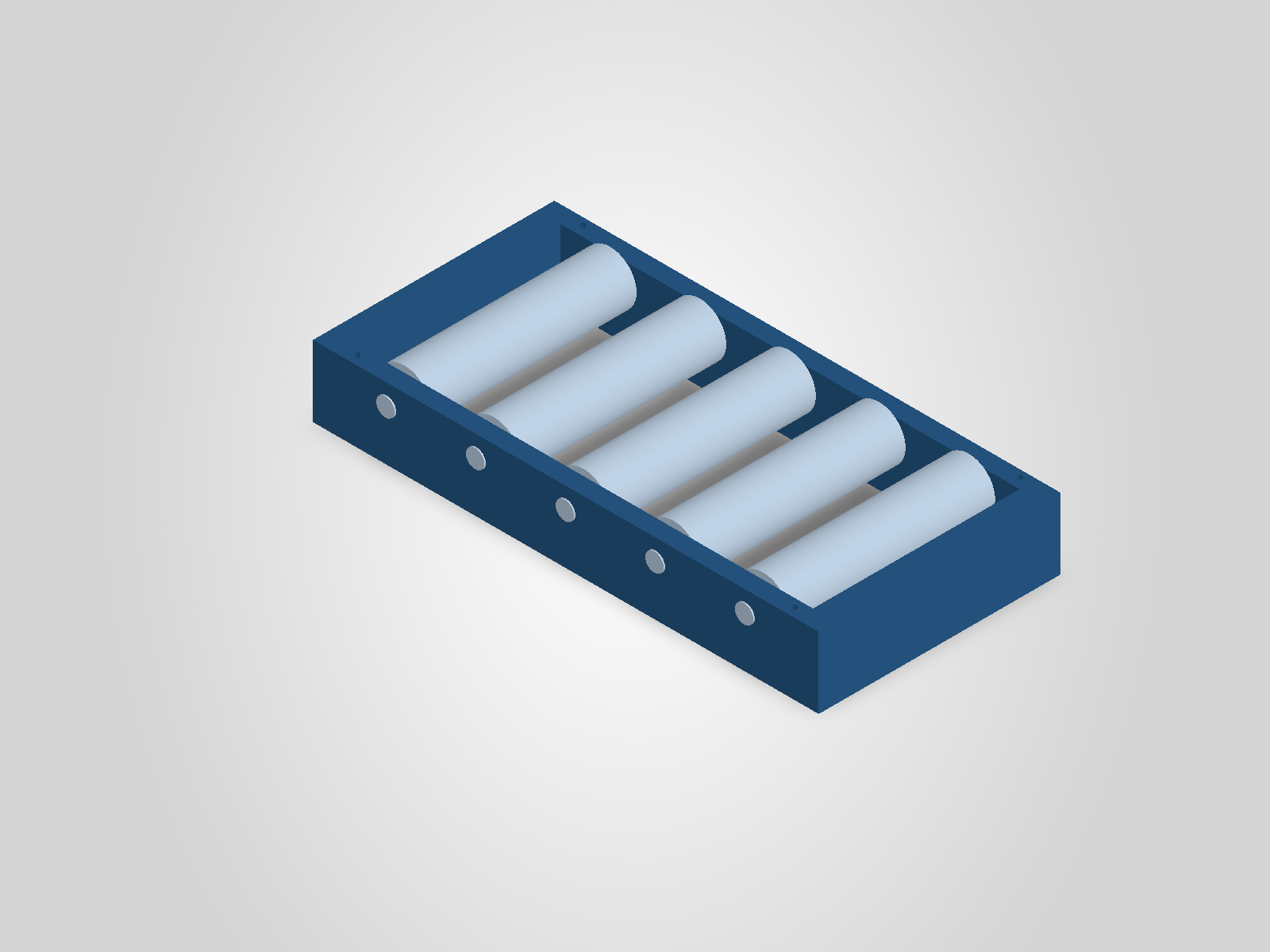
Build nested assemblies, place components with mates, and revise child parts.
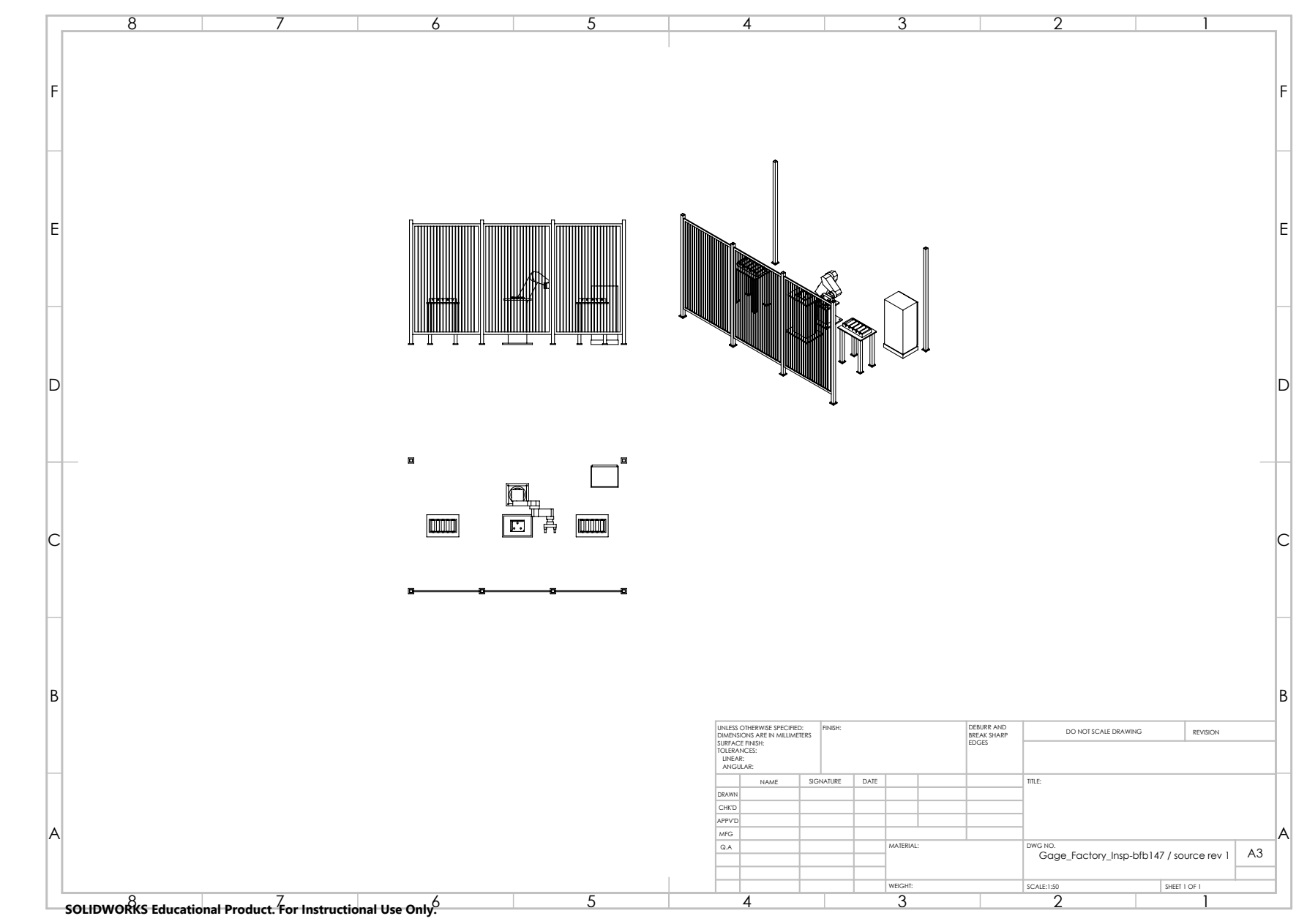
Create dimensioned drawings, generate bills of materials, and export PDF or DXF.
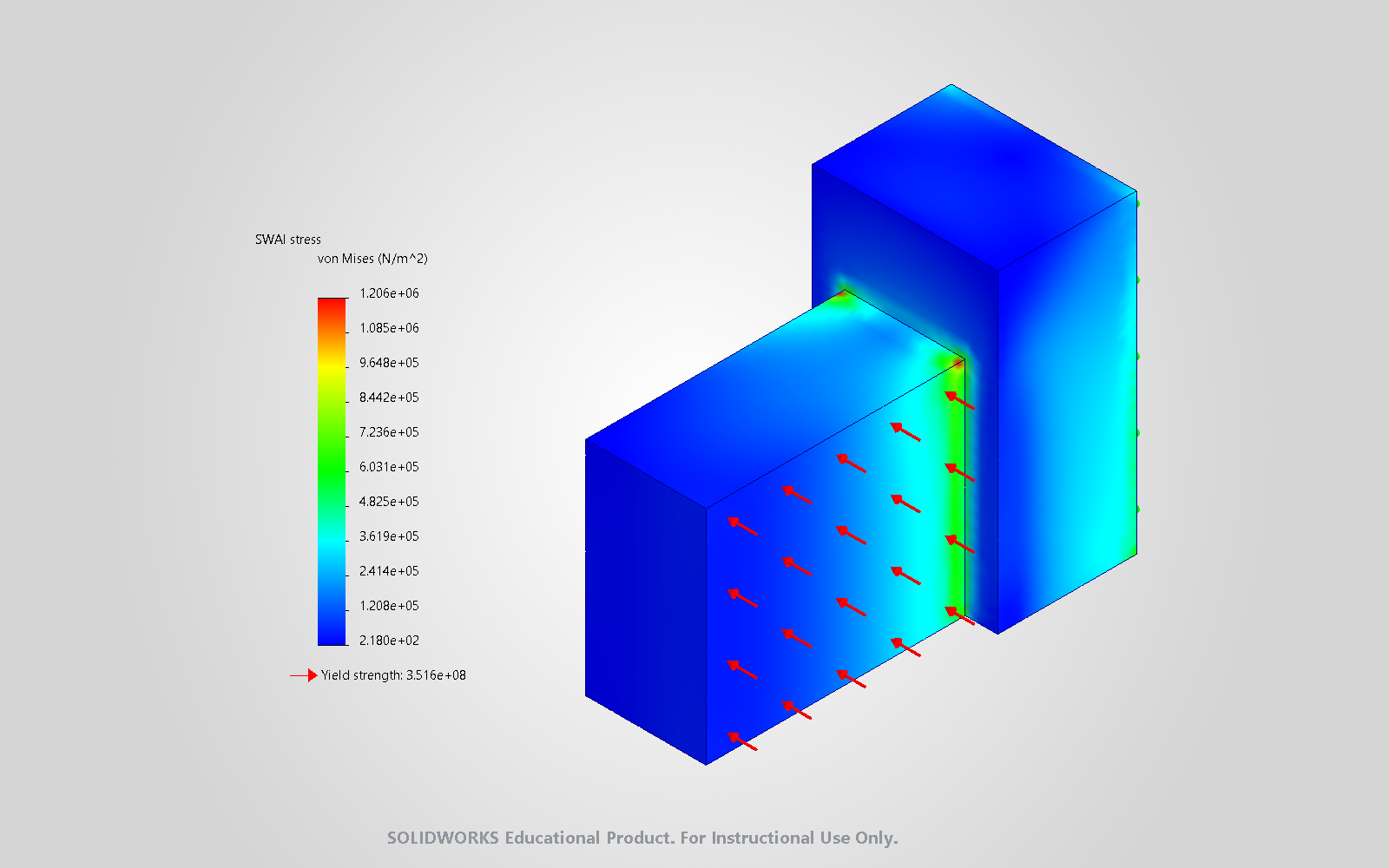
Set up linear static and selected nonlinear and modal time-history studies.
Use your Codex allowance or bring an OpenAI API key. Describe the job, approve the plan, and review each result in SOLIDWORKS.
“Design a pallet inspection fixture with three seating pads.”
Set the plate dimensions, then add the seating pads and locating shoulders.
Models, motion replays, drawings, a bill of materials, and a static study from the factory inspection cell.
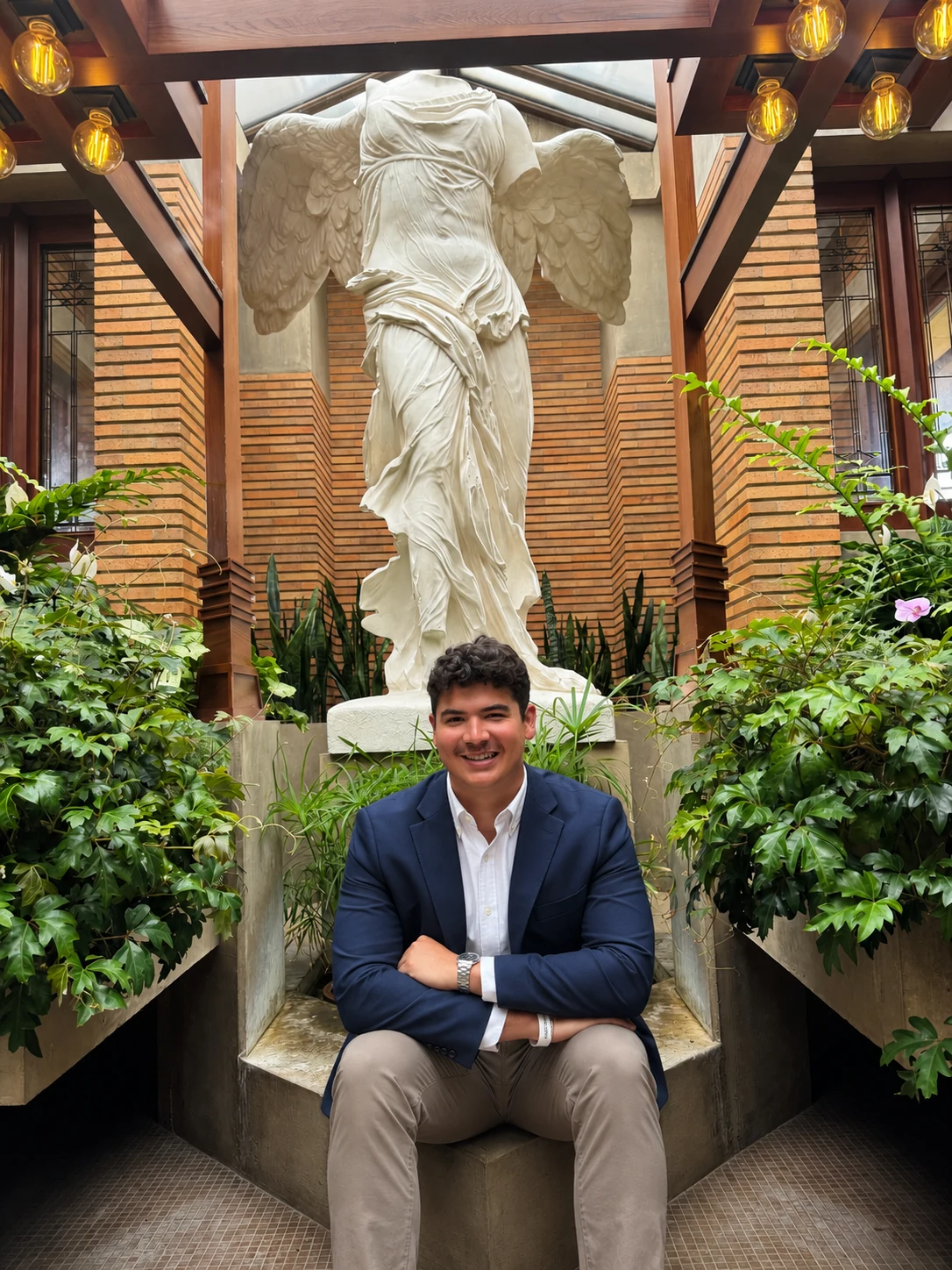
Founder and developer
Hey! I'm Andrew and the founder of Gage. Currently, I study Mechanical Engineering (B.Sc.) and Business Economics (B.A.) at Brown University.
Outside of school, I’m an Industrial Digital Strategist Intern at Siemens Digital Industries Software and the Co-Founder & CEO of Vastro, where I work on VR-controlled robotics.
I love turning ideas into things you can build, and I started Gage to help engineers get to a CAD model they can test and refine sooner.
Gage is an independent project. These education and employment details do not imply endorsement.
Andrew on LinkedInDescribe the part, assembly, or change you want in the Gage panel. Gage asks for any missing details and prepares a CAD plan for you to review. Once you approve it, Gage carries out the plan in SOLIDWORKS, where you can inspect and edit the result.
You’ll need a compatible local SOLIDWORKS installation and either Codex access or an OpenAI project API key.
In Gage’s Settings, select Connect OpenAI account… to use your Codex allowance, or Use OpenAI API key… to bill planning to your OpenAI API project.
Simulation also requires the relevant SOLIDWORKS Simulation license.
No public installer is available. Code signing and acceptance testing on an independent clean Windows machine are pending. Request a demo to see Gage in SOLIDWORKS.
Use disposable copies while evaluating a workflow. Check dimensions, mates, drawing references, and simulation inputs before relying on the results. Recovery from a crash during a native save remains unverified.
Bring a part, assembly, or workflow you want to see. Include your time zone and a few times that work for you. Keep confidential design details out of your request.
Email Andrew directly